 Nic Dunn, CEO, Charle Agency
Why Shopify Speed Matters in 2026
Shopify speed optimisation is the work of reducing how long your store takes to load and become usable, so that more visitors stay, buy and return. On Shopify the biggest wins almost always come from four places: your images, your theme, your apps and the third-party scripts you add yourself. Get those right and most stores see faster load times, better Core Web Vitals and a measurable lift in conversion.
Speed is not a vanity metric. Google reports that the probability of a visitor bouncing increases by 32% as load time grows from one second to three seconds. A survey of 750 consumers found that when a page was slower than expected, 45% of users were less likely to buy and 37% were less likely to return. Stores that load in under two seconds convert roughly 2.5 times better than those that take five seconds or more, and analysis from Cloudflare suggests even a one-second delay can cost around 7% of conversions.
The impact does not stop at the customer. Slow pages are a negative signal across your marketing too. Poor engagement tells Google, Meta and other platforms that the pages they send traffic to disappoint, so your Shopify SEO rankings suffer and your ad costs rise. A faster store improves efficiency on every channel at once, which is why we treat speed as a growth project rather than a technical chore. For the wider commercial picture, our ecommerce SEO statistics show how organic performance compounds when the fundamentals are right.
How to Measure Your Shopify Store Speed
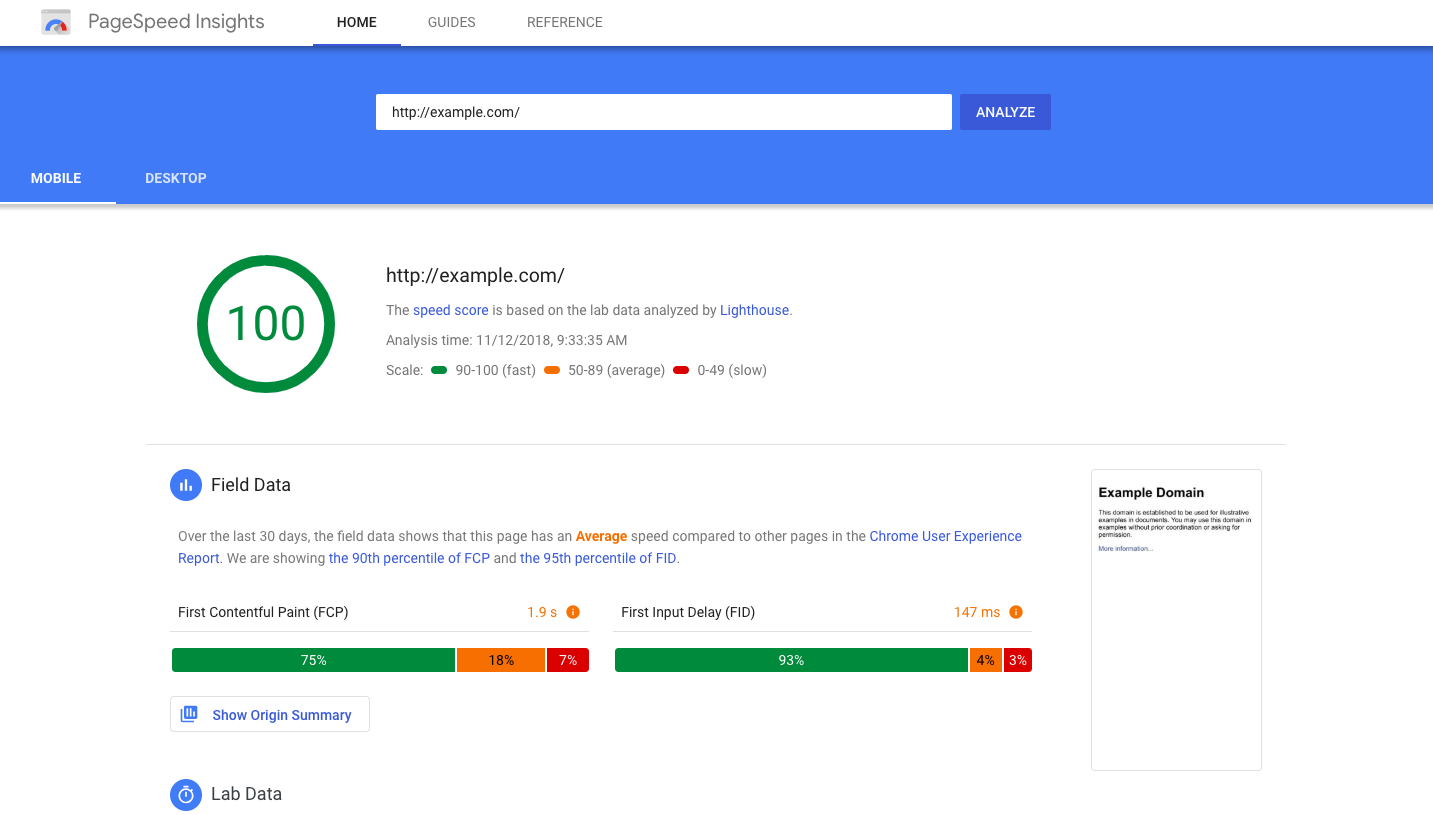
Before you change anything, measure where you stand. Testing your store both before and after each change is the only way to know whether your speed optimisation work is helping. Three tools cover most of what you need.
Google PageSpeed Insights analyses a page, scores it out of 100 and breaks down what is slowing it down. It reports lab data through Google's Lighthouse engine and, where available, real-user field data from the Chrome User Experience Report. Pay attention to First Contentful Paint (FCP), Largest Contentful Paint (LCP) and the metrics that make up Core Web Vitals rather than fixating on the headline score.
GTmetrix shows the exact files, scripts and resources that hold a page back, with a waterfall view of what loads and when. It is the fastest way to spot a render-blocking resource, a heavy app script or an oversized image.
Shopify's Web Performance dashboard sits inside your admin and reports real-user Core Web Vitals for your storefront over time, comparing you against similar stores. It is useful for trend monitoring, though it will not hand you the specific fixes the other tools surface.
Always test using the worst-case scenario: mobile, on a throttled 4G connection. More than 70% of ecommerce traffic is mobile, and 47% of users expect a page to load in under two seconds, so a store that only feels fast on office wifi is still failing most of its customers. Run the same test on your homepage, a heavy collection page and a page for one of your products, because each template behaves differently and your products carry the most weight.
Optimising Images and Video
Images and video are the single largest cause of slow Shopify stores. On a typical store they account for somewhere between 50% and 75% of total page weight, so image optimisation is usually where the fastest wins live.
Compression reduces a file to the smallest size it can be without dropping below acceptable quality. It is a balancing act between loading fast and still looking sharp. Compress images before you upload them so you start from the lowest possible file sizes. Tools such as TinyPNG preserve quality while cutting weight, and Shopify compresses images further on upload. A well-built theme also serves responsive images, sending smaller dimensions to smaller devices to reduce data and latency.
Image format matters. Modern web formats such as WebP and AVIF are typically 25% to 35% smaller than the equivalent JPEG at the same quality, and Shopify's image CDN serves WebP automatically where the browser supports it. Use JPEG as a fallback for photography and reserve PNG for graphics that genuinely need transparency.
The hero image is your most important file. On most stores the main banner is the Largest Contentful Paint element, so it directly sets your LCP. Keep it tightly compressed, never lazy-load it, and use the fetchpriority="high" attribute so the browser fetches it first. The opposite rule applies to images further down the page, which should be deprioritised so they do not compete with what the customer sees immediately.
Video needs care. Avoid autoplaying video or letting it load on first render, since the page may wait for it before appearing ready. If a design must autoplay, keep the clip under 15 seconds, compress it hard, and consider replacing decorative GIFs with a muted looping MP4, which can be a fraction of the size. Embed long-form video from YouTube or Vimeo rather than hosting it on the store.

Minifying and Streamlining Code
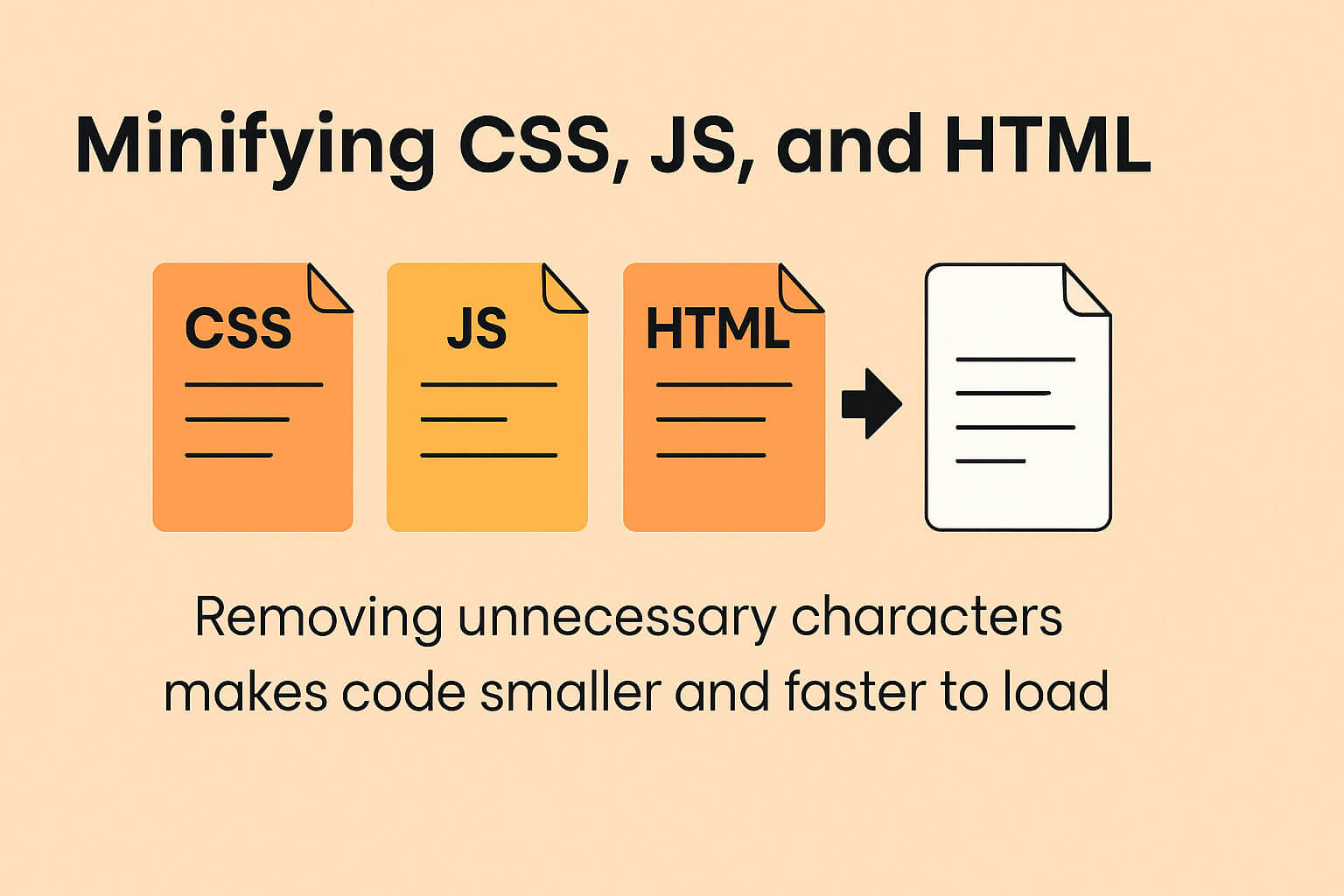
Every Shopify store runs on CSS, JavaScript and HTML. That code carries spaces, line breaks and comments that help developers read it but add weight the browser has to download and parse. Minification strips those non-essential characters so pages load faster while looking and working exactly the same.
Shopify minifies some code automatically, but custom themes and apps that inject their own CSS or JavaScript are often left unminified. The deeper issue is rarely file size, it is execution time. A 540KB cart-drawer app that runs heavy JavaScript on every page can hurt far more than a larger image, because the browser has to execute it. A lean custom cart can do the same job in a few kilobytes.
To reduce that cost, defer or async non-critical JavaScript so it loads after the page is usable, eliminate duplicate libraries that two apps both load, and remove render-blocking resources from the critical path. A good development team can audit your code base, confirm it is minified and strip out the redundancy that has crept in, which improves the efficiency of every page load. We recommend a clean-up of your theme code once a year, because every new app and content change quietly adds bloat. If you need help, our Shopify theme developers do exactly this kind of work.
Lazy Loading Done Right
Lazy loading delays images and media until just before they scroll into view, so the browser only loads what the customer can actually see first. Without it, every asset loads at once, including images at the very bottom of the page that nobody has reached yet. Loading only what is in view lets the initial render complete much faster and improves Core Web Vitals, which in turn supports your rankings.
Modern browsers support native lazy loading through the loading="lazy" attribute, so it no longer needs heavy JavaScript. Most current Shopify themes include it, but older or heavily customised themes may not, so it is worth having the code reviewed. The one rule that catches people out: never lazy-load above-the-fold imagery, especially the hero. Lazy-loading your LCP image will make your scores worse, not better. Reserve it for long product pages, blog posts and image-heavy homepage sections.
Choosing and Tuning a Fast Shopify Theme
Your theme is the foundation of how fast your store can ever be. A beautiful but bloated theme, packed with sliders, carousels and animations, ships a lot of code the browser must execute, and no amount of tuning will fully fix flawed foundations. The more features a theme renders, the more code it needs, and the slower it tends to load.
Look for themes that prioritise clean code and built-in speed features such as lazy loading, image compression and asynchronous JavaScript. Shopify's own free themes, including Dawn, are built on the modern Online Store 2.0 architecture and are a strong, fast baseline. Moving from a legacy theme to a modern one alone can make a store 1.5 to 2 times faster. Before committing to any theme, run its demo store through PageSpeed Insights and GTmetrix to see how it performs in the real world.
Resist the urge to enable every feature. When you build each page template, mix rich visual sections with lighter static ones so no single page becomes too heavy. A bespoke theme built by experts is usually fastest of all, because the code is written only for the designs and features you actually use rather than carrying everything the mass-market themes need to support. Ask any theme developer how often they ship speed updates, since benchmarks and best practice change constantly.
Reducing App Bloat and Unused Apps
When you install a Shopify app it injects code into your store to deliver its functionality. Useful, but third-party apps often load heavy libraries, and a store can quietly accumulate enough of them to become slow. Worse, uninstalling an app frequently leaves residual scripts behind in the theme, so the performance cost lingers long after you stop using it.
Treat every app as a trade between the value it adds and the speed it costs. Use only the apps you genuinely need, and favour ones Shopify badges as built for speed. As a rough guide, stores carrying more than about 20 active apps usually have room to cut. Whenever you remove an app, have a developer check the theme code for leftover scripts, and make a historical app clean-up part of your regular performance audit. Consolidating overlapping apps, or replacing a heavy app with a small custom feature, is one of the most reliable ways to enhance speed without losing functionality.

Shopify Hosting, CDN and Caching
One advantage Shopify gives you for free is fast, managed hosting on every plan, with no set-up, maintenance or separate security to worry about. The platform runs on global infrastructure built to handle huge traffic, and it uses a Cloudflare content delivery network (CDN) so your store loads quickly wherever the visitor is in the world. During spikes such as product launches or Black Friday, Shopify scales server capacity automatically to keep the store stable.
Because hosting and the CDN are automatic, they are reassurance rather than a task. The same applies to browser caching and the image CDN, which Shopify manages for you, so repeat visitors load cached resources rather than fetching everything again. Rather than trying to tune the cache yourself, focus on reducing the number of HTTP requests your theme and apps make. That is precisely why your attention should go to the things you do control: the theme, the apps and the third-party code you add. Those are the levers that decide whether Shopify's fast foundations are reflected in your real load times or buried under bloat.
Shopify and Core Web Vitals
Core Web Vitals are the metrics Google uses, based on real-world user data, to judge how good or bad a visitor's experience is. They feed into both organic and paid rankings, so passing them helps your store on two fronts at once. There are three headline metrics to know in 2026.
- Largest Contentful Paint (LCP): how long the largest visible element, usually the hero image or heading, takes to render. Aim for under 2.5 seconds.
- Interaction to Next Paint (INP): how quickly the page responds to interactions. INP replaced First Input Delay in March 2024, and under 200 milliseconds is considered good.
- Cumulative Layout Shift (CLS): how much the layout unexpectedly shifts as the page loads. Keep it below 0.1, mainly by setting explicit width and height on images.
It is also worth watching Time to First Byte (TTFB), the time before the server starts responding, with under 800 milliseconds as a healthy target, and FCP as a supporting signal. Choosing or building a theme that passes Core Web Vitals lifts both your search rankings and the customer experience, and it is the clearest measure that your wider speed optimisation is working.
Tracking Scripts and Third-Party Code
Tracking scripts for Meta, Google Analytics, Google Tag Manager and heat-mapping tools are standard on most stores, yet they are often heavy and a major drag on speed. Each script the browser has to fetch and run adds latency, and duplicated tags make it worse.
Start by using Shopify's native connectors, which lean on server-side tracking and reduce how much sits in your page code. For event-based tracking, consolidate tags into a single Google Tag Manager container so you are not loading the same pixel twice, which improves both speed and data efficiency. There is a conversion benefit too: every browser script you remove not only speeds the page but lowers the chance of a tag failing to fire, so cleaner tracking can mean both faster pages and more reliable data. Audit your tag manager regularly and remove anything that no longer earns its place.
Speeding Up Product Pages and Checkout
The pages closest to the sale deserve the most attention, yet they are often the heaviest. Product pages tend to carry large galleries, review widgets, upsell apps and variant logic, all of which add weight exactly where intent is highest. For stores with thousands of products, these templates load most often, so their speed compounds across the catalogue. Compress the images on your products hard, lazy-load everything below the first view, and question whether each product-page app is worth its performance cost. Testing a representative sample of products rather than only the homepage matters here, because your best-selling products are where speed turns directly into sales, and a slow gallery on popular products quietly costs orders every day.
Checkout speed matters just as much. Friction or lag at checkout is where carts are abandoned, so lean on Shopify's accelerated payment options such as Shop Pay, Apple Pay and Google Pay, which let returning customers buy in a couple of taps. Shop Pay in particular is one of the fastest routes to purchase on the platform. Removing unnecessary quick-view pop-ups and trimming the scripts that run during add-to-cart keeps the path from product to payment quick, which is where speed turns directly into revenue and higher conversion rates.
Advanced Speed Tactics
Once the fundamentals are in place, a few advanced techniques can push a store further. Predictive prefetching loads the next likely page in the background, often when a visitor hovers over a link, so the transition feels instant. Some stores see page transitions improve dramatically with prefetching enabled, and several modern Shopify themes support it out of the box to enhance the perceived speed of browsing between products.
For large, complex catalogues, a headless build using Shopify Hydrogen can deliver very fast, app-like browsing by decoupling the storefront from the theme and rendering content closer to the user through edge computing. It is a bigger investment and not right for every brand, but for high-traffic stores where milliseconds compound across millions of sessions it can be transformative. Our headless Shopify team can advise on whether it fits your roadmap. For most stores, though, disciplined execution of the basics in this guide will outperform any single advanced tactic.
Redirects and Long-Term Maintenance
URL redirects have a small but real speed cost, because a redirected link forces the browser to make an extra request before reaching the page. Keeping redirects for retired pages is fine, but for high-traffic pages it is better to update the links directly so visitors land in one hop. That also preserves the internal linking value those pages pass, which helps SEO.
Speed optimisation is never a one-off. Assessment criteria keep changing and new technologies keep arriving, so we recommend an annual speed audit covering both code and content. Between audits, keep app use to a minimum, take care when uploading new images and content, and re-test after any large change such as a new page design or feature release. Given the pace of change online, it is reasonable to expect to rebuild a store roughly every three years to stay competitive.
What We'd Fix First on a Slow Shopify Store
Across the Shopify Plus stores we maintain, the order in which you tackle speed matters more than the length of the list. The two changes that move the score most are almost always the hero image and the app scripts, not minification. Teams tend to start with minifying code because it sounds technical and thorough, then wonder why their LCP barely moves. The hero image is usually the Largest Contentful Paint element, so compressing it and giving it fetch priority often does more in an afternoon than a week of code tidying.
Our second rule is to be ruthless about apps. A store that has been live for a few years has usually collected apps it no longer uses, each leaving scripts behind. We would rather rebuild one heavy feature natively than carry three apps that each tax every page load. It is less glamorous than chasing a perfect Lighthouse score, but it is what reliably makes a real store feel fast for real customers on real phones.
If you would like a second pair of eyes on a slow store, our Shopify CRO and development teams audit speed alongside conversion, because the two are inseparable. Get in touch and we will tell you honestly where the biggest wins are.